Gestures



Description
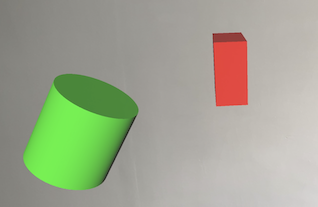
Gesture Recognisers give us the ability to interact with our virtual objects in different ways such as moving them (pan), rotating them or scaling them (pinch).
There are a number of built in gestures we can make use of:
- UITapGestureRecognizer
- UIPinchGestureRecognizer
- UIRotationGestureRecognizer
- UISwipeGestureRecognizer
- UIPanGestureRecognizer
- UIScreenEdgePanGestureRecognizer
- UILongPressGestureRecognizer
In this lesson we will only use UIPanGestureRecognizer, UIPinchGestureRecognizer and UIRotationGestureRecognizer.
I have really struggled to find Xamarin C# implementations using these in ARKit so I am pleased to show you the code below that I have translated from swift.
One caveat with these gestures is that they can only detect movement in 2 dimensions (as your device screen is only 2D so therefore you can only move your finger across the screen in 2 dimensions).
Therefore whilst it is possible to pan an object up and down (y axis) and left and right (x axis) we cannot detect a pan gesture forwards and backwards (z axis).
However there may be times when we may want this restricted movement in 2 dimensions, for example moving something on a plane/surface like a table or a wall.
Whilst the gestures/interactions in the video don't seem remarkable, they allow us to do some more advanced things later.
Video
Code
Next Step : Virtual table items
After you have mastered this you should try Virtual table items